 pixeldoro
pixeldoro for windows
a cozy pomodoro timer for your windows pc
pixeldoro is a free pomodoro timer inside a pixel art world, where you focus next to real people who are studying right now. on windows it gets its own window, so the timer and the lofi radio keep going while you work in other apps.
free · windows 10 and 11 · 64-bit
or play in your browser, or get it for mac · linux

free · iphone + ipad
on a windows computer? open this page there to download

free on google play
on a windows computer? open this page there to download
- free · no ads
- windows 10 + 11
- one account on every device
why get the windows app

keeps running in the background
minimize it or switch to your work. the timer and the radio keep going, and the app is one alt+tab away.

lofi radio built in
six lofi + chill stations, so there's no other tab playing music. rain and fog roll in while you focus.

real people, right now
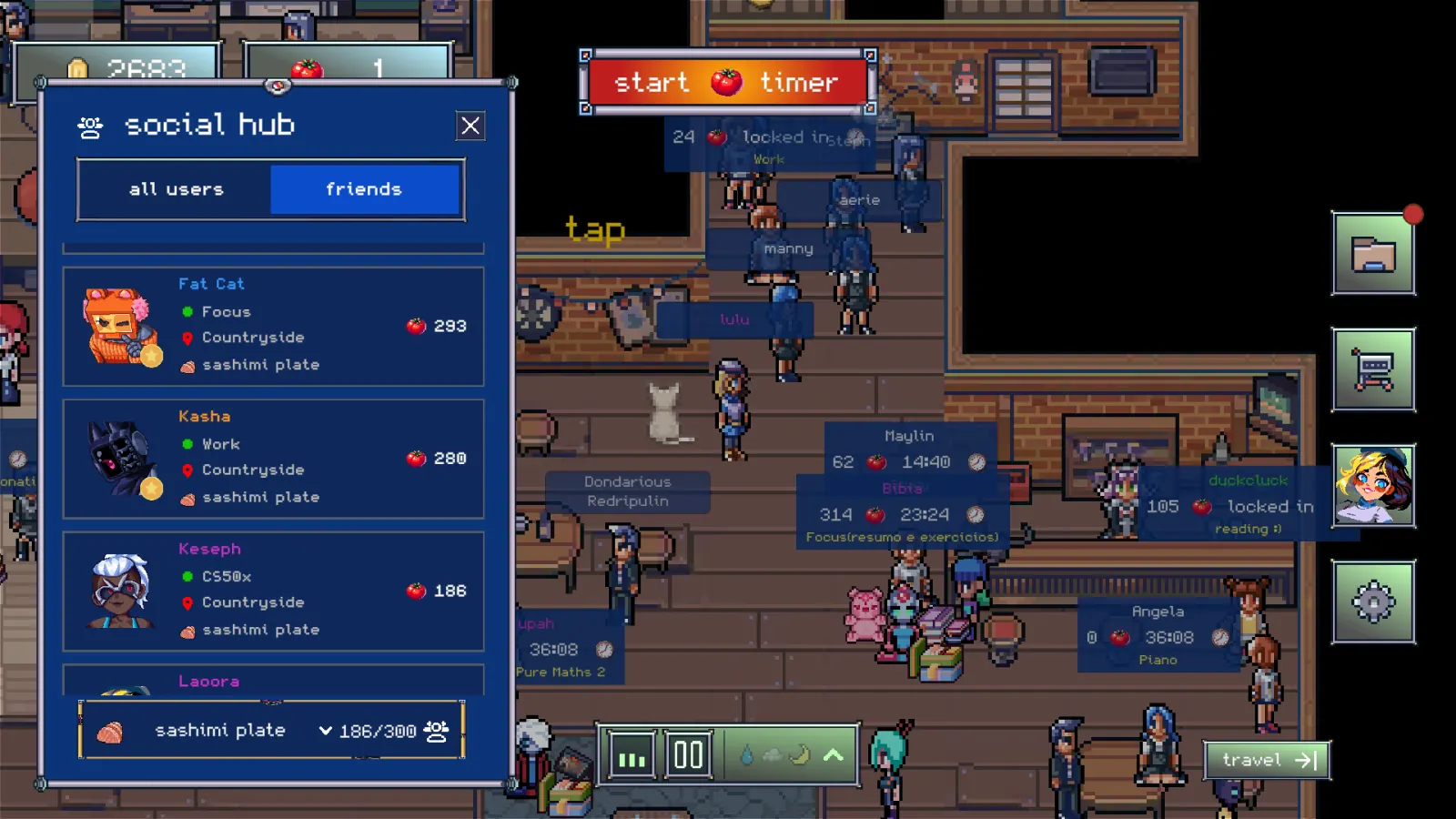
every character in the room is a real person in a focus session, with their timer and task above their head.

your progress everywhere
sign in with your email and your room, coins and stats follow you to your phone, your mac and the browser.
how to install pixeldoro on windows
- download the installerclick the download button to get the pixeldoro setup file.
- run itopen the file and follow the installer. if windows says “windows protected your pc”, click more info, then run anyway.
- sign in and focusopen pixeldoro, sign in with your email if you play on other devices too, pick a room and start a pomodoro.
the app or the browser?
pixeldoro also runs in any browser, nothing to install. the windows app is for when you focus at your pc every day: it has its own window and taskbar icon, it won't get closed with your other tabs, and browsers slow down tabs you aren't looking at.
new to the technique? read the pomodoro timer guide, or see how studying next to other people helps you start.
questions
is pixeldoro free on windows?
yes. the timer, the world, other players, friends and radio are all free, with no ads and no subscription. an optional one-time supporter pack adds bonus coins and premium items.
which versions of windows does it run on?
64-bit windows 10 and windows 11.
why does windows say it protected my pc?
that's smartscreen. it shows up for apps from small developers that don't have a paid code-signing certificate. click more info, then run anyway.
does the timer keep running when i minimize it?
yes. the timer and the radio keep going while the window is minimized or behind other apps.
how do i update it?
download the latest installer from this page and run it.
can i use the same account on my phone?
yes. sign in with the same email on iphone, android, mac or the browser and your progress, room and coins come with you.
is there a mac or linux version?
yes. mac is on the mac app store, and there's a linux build too.
ready to lock in?
free · windows 10 and 11 · 64-bit
free · iphone + ipad
free on google play
more: pixeldoro for linux · pomodoro timer · study with me · pixeldoro home